Each open game offers one or more of these modes. The Games page filters them, and everything starts from your machine.
The gesture is the same everywhere: in EmulationStation, select the game in its collection, then hold the confirm button (A). The NelfePlay panel opens to the left of the game menu.
Scoring
Your game's score, certified and ranked worldwide. 1CC: clear the game on one credit. 1LC: the best score of the first life. Every score leaves signed, with its replay.
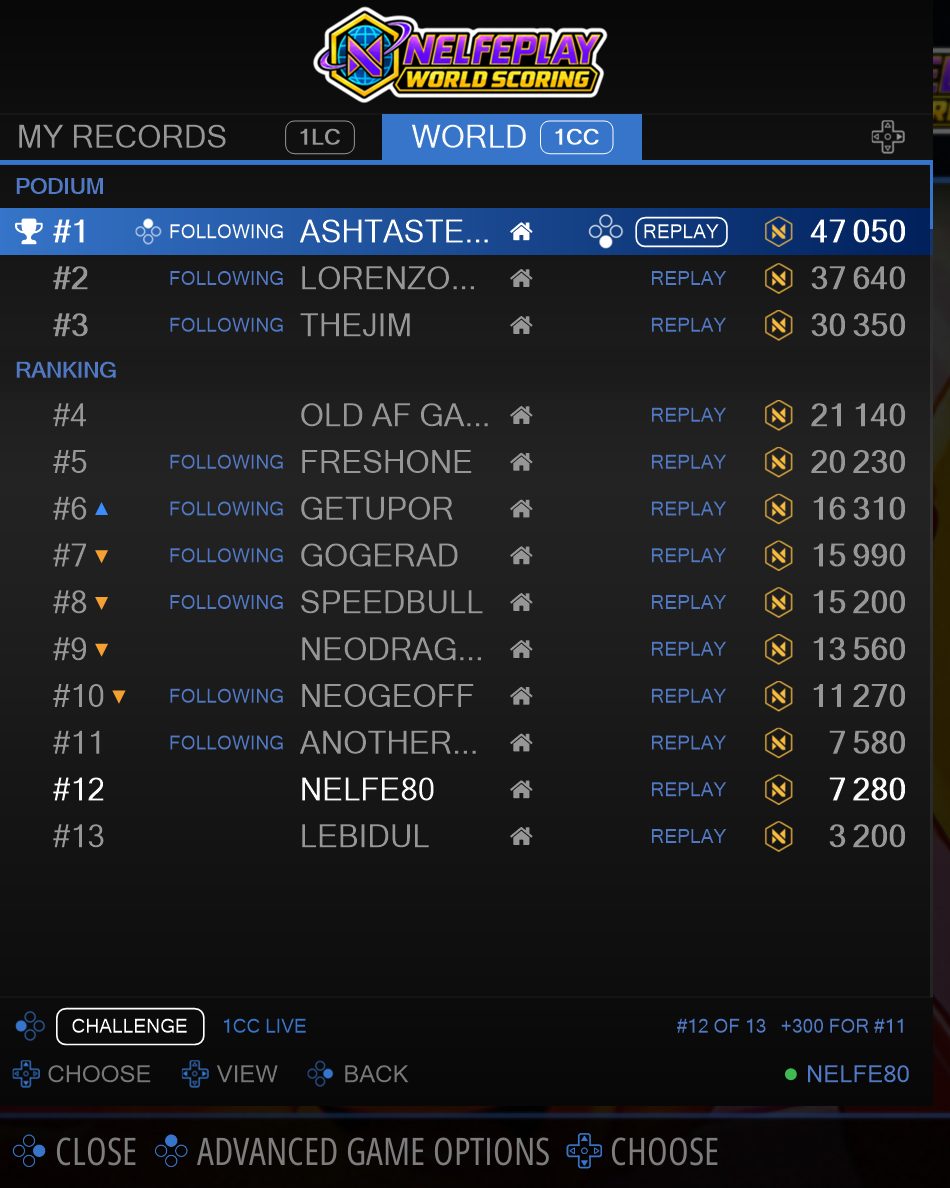
In the NELFEPLAY SCORING collection, a short press on A starts a ranked game. A long press opens the game's leaderboard: the podium, the replays and the players you follow.
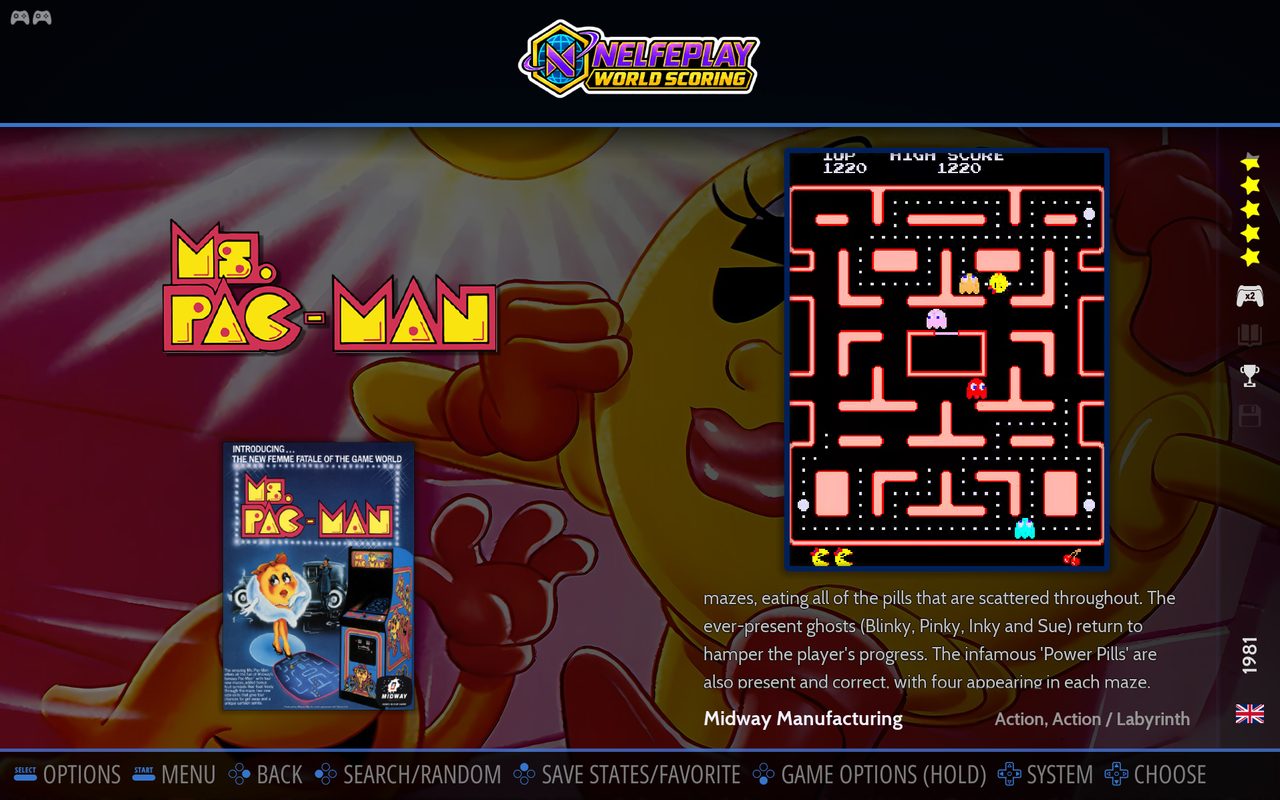
1 Select the game in the NELFEPLAY SCORING collection, here Ms. Pac-Man.
2 Hold A: the game's leaderboard opens, with the podium, the replays and the players you follow.
A level, a boss or the whole game, timed to the frame from the same start for everyone. Your record and the world record run alongside you as ghosts. Each event has its own time leaderboard.
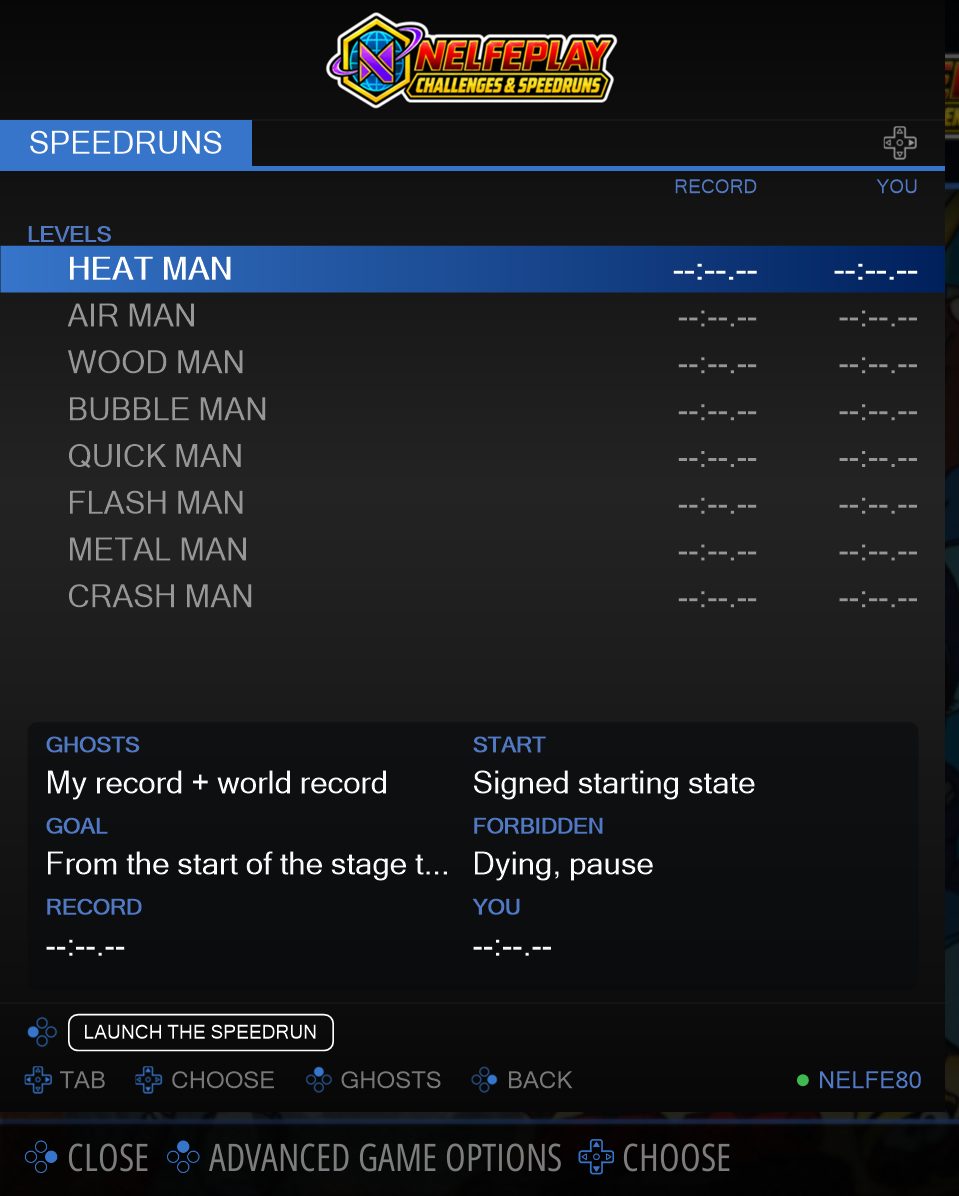
In the NELFEPLAY CHALLENGES & SPEEDRUNS collection, select the game and hold A: the panel opens on the SPEEDRUNS tab. Pick the event, then Launch. Started with a short press, the game stays a free game: nothing is measured.
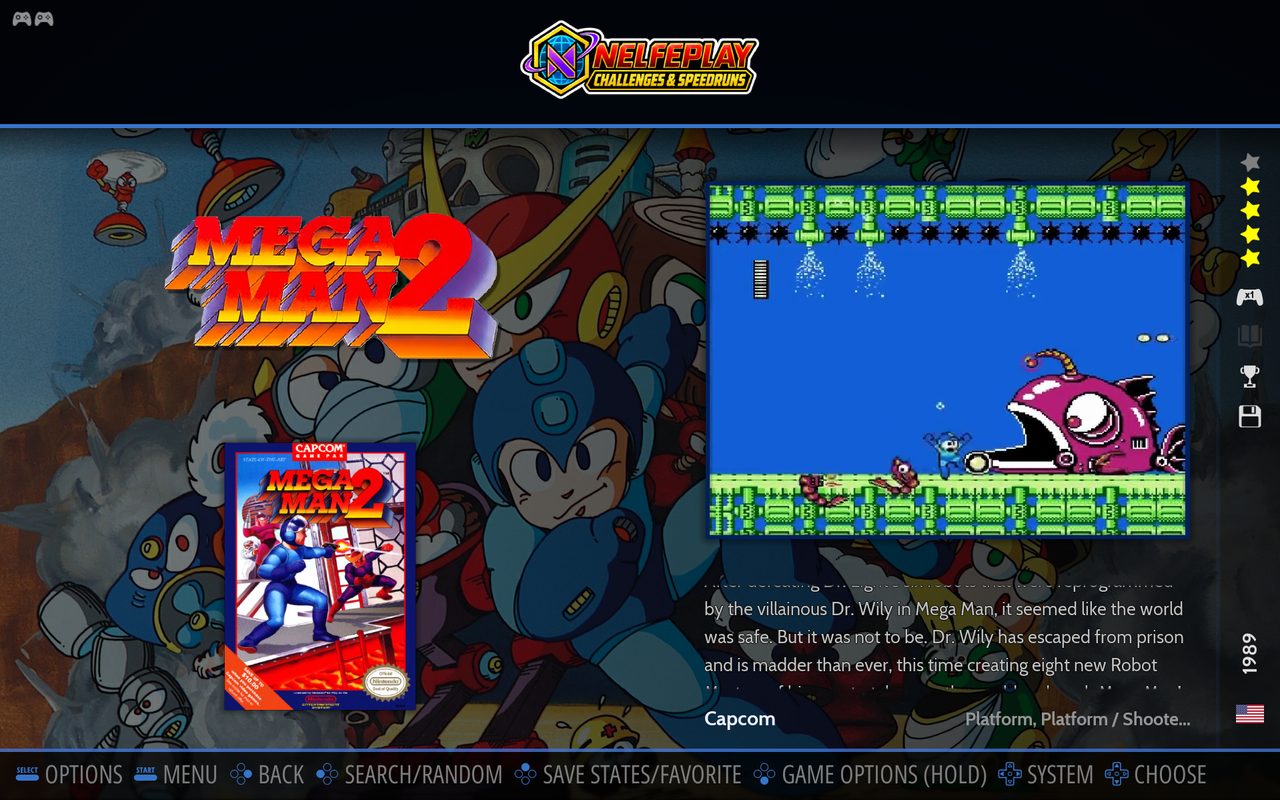
1 Select the game in CHALLENGES & SPEEDRUNS, here Mega Man 2.
2 Hold A: the SPEEDRUNS panel lists the levels. Pick one, then Launch.
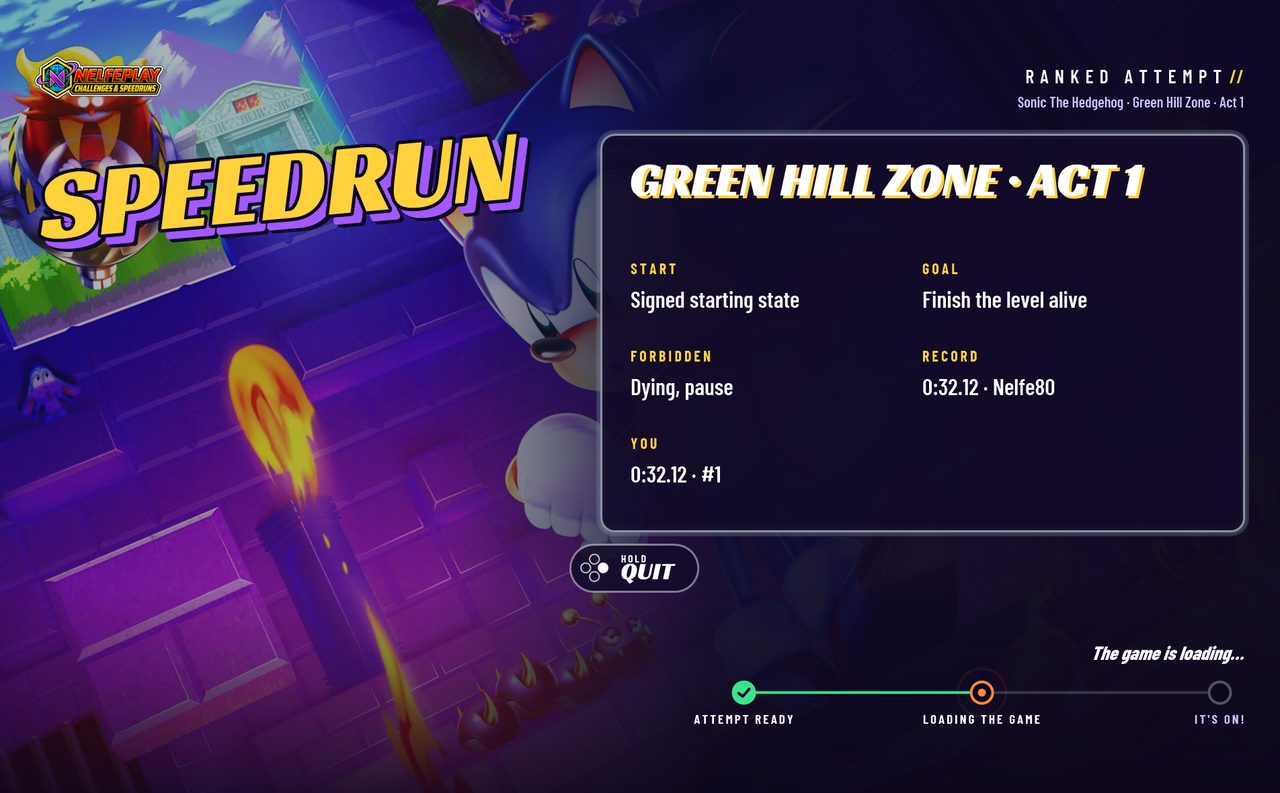
3 The launch screen announces the event, here Green Hill Zone Act 1.
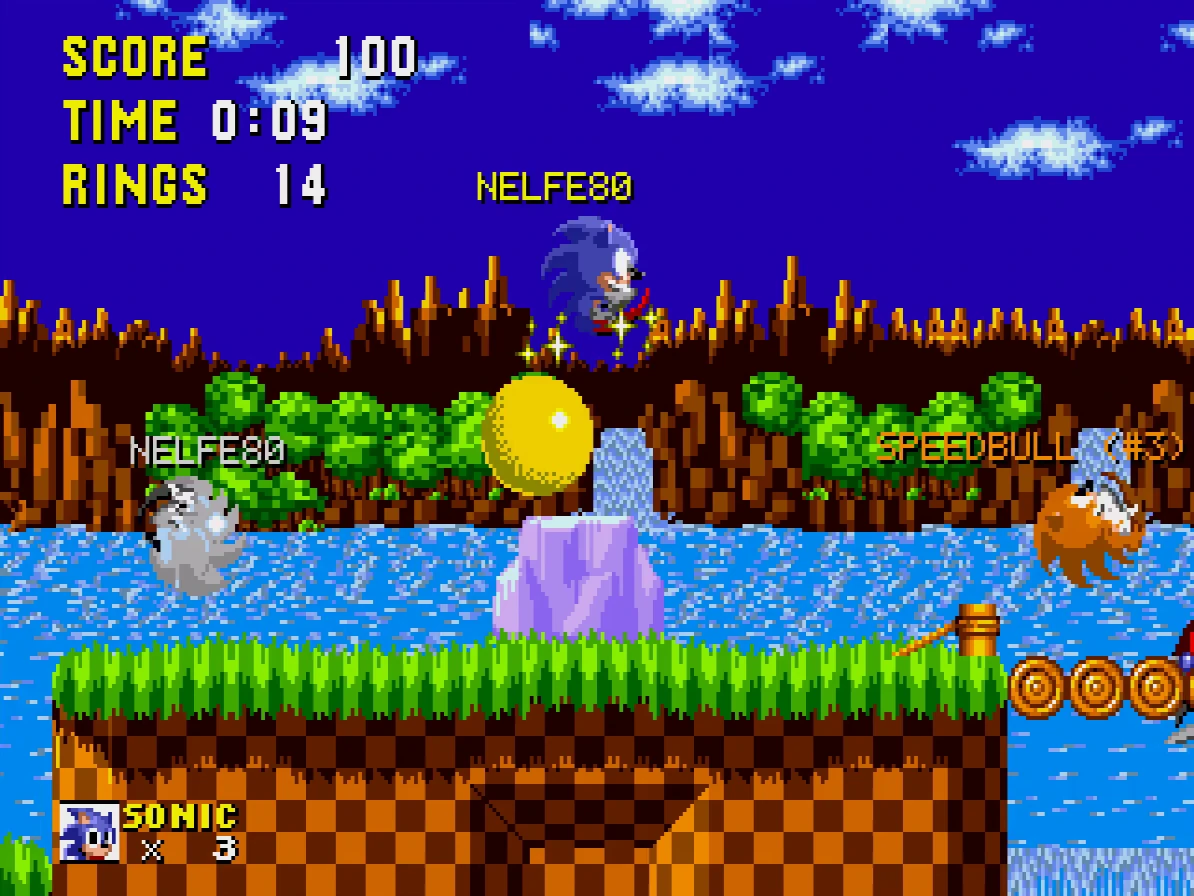
4 In game, real runs from the leaderboard race with you as ghosts, each under its nickname: your record in silver, the best one in gold, the next ones in bronze.
Live races: dozens of players on the same level, from the same start, each on their own machine. The other runners appear on screen in their avatar's colors. Each game has its rating; races are not certified.
In the NELFEPLAY CHALLENGES & SPEEDRUNS collection, select the game and hold A, then open the MASS RUN tab, pick the race and Launch. You join the waiting room, then the start is given to everyone at the same time. Started with a short press, the game stays a free game: nothing is measured.
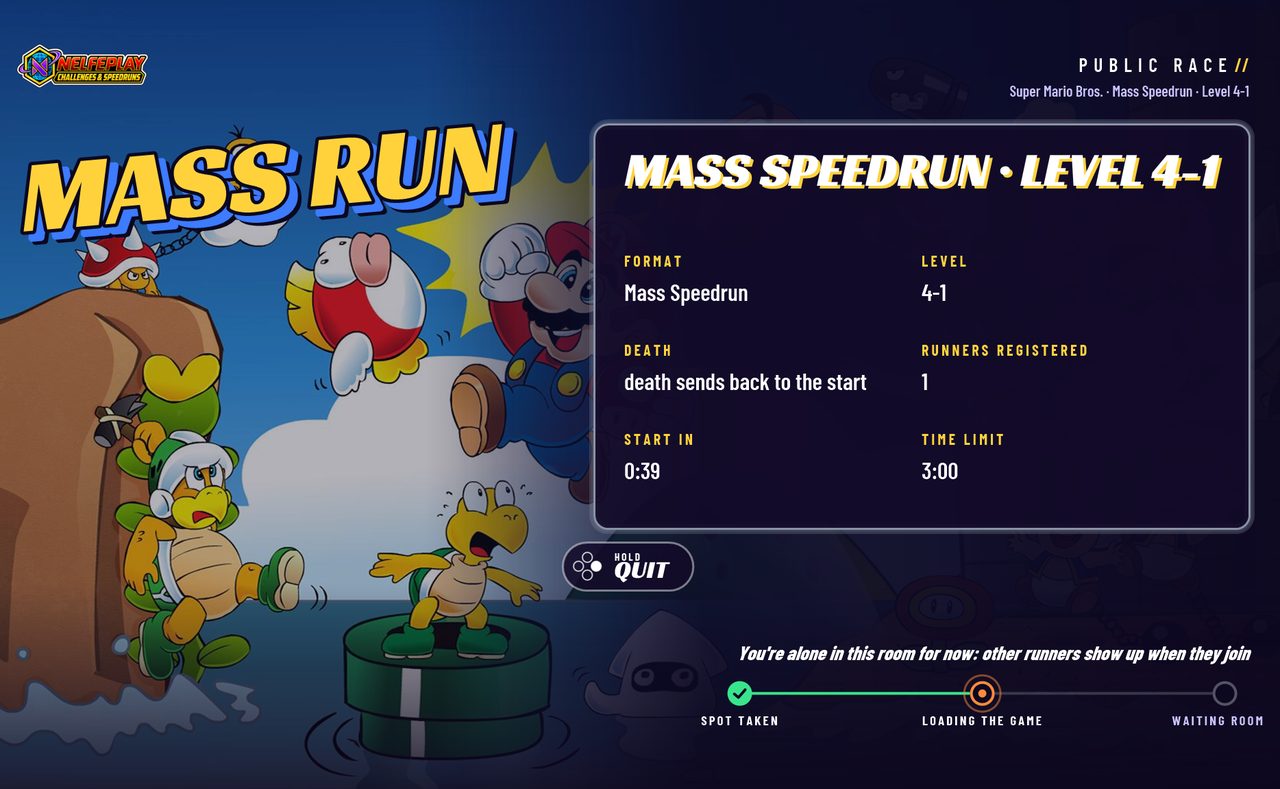
1 The Mass Run launch screen announces the level, the start and the length of the race.
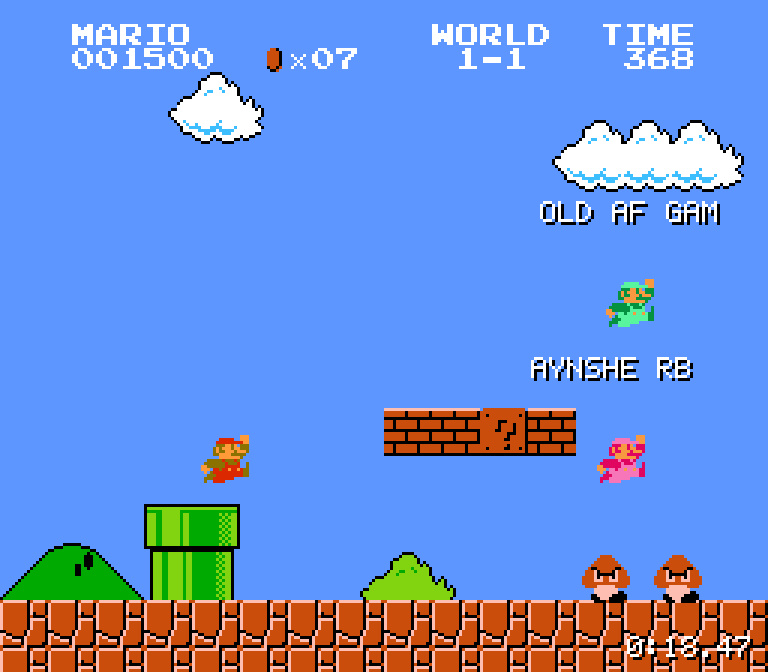
2 The race: the other runners appear on screen in their avatar's colors, with their nickname.
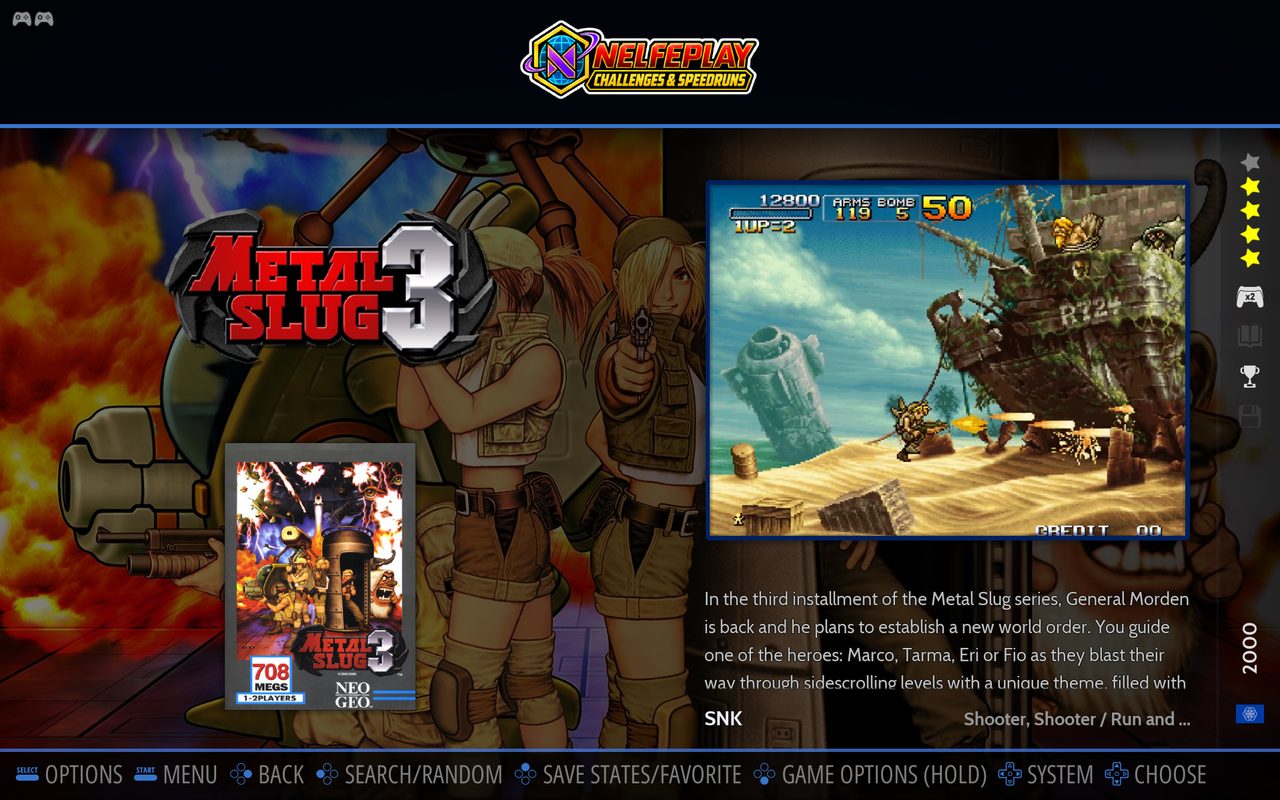
A challenge with set rules, such as a single weapon or a constraint, held from start to finish. Each challenge has its own time leaderboard; challenges are not certified.
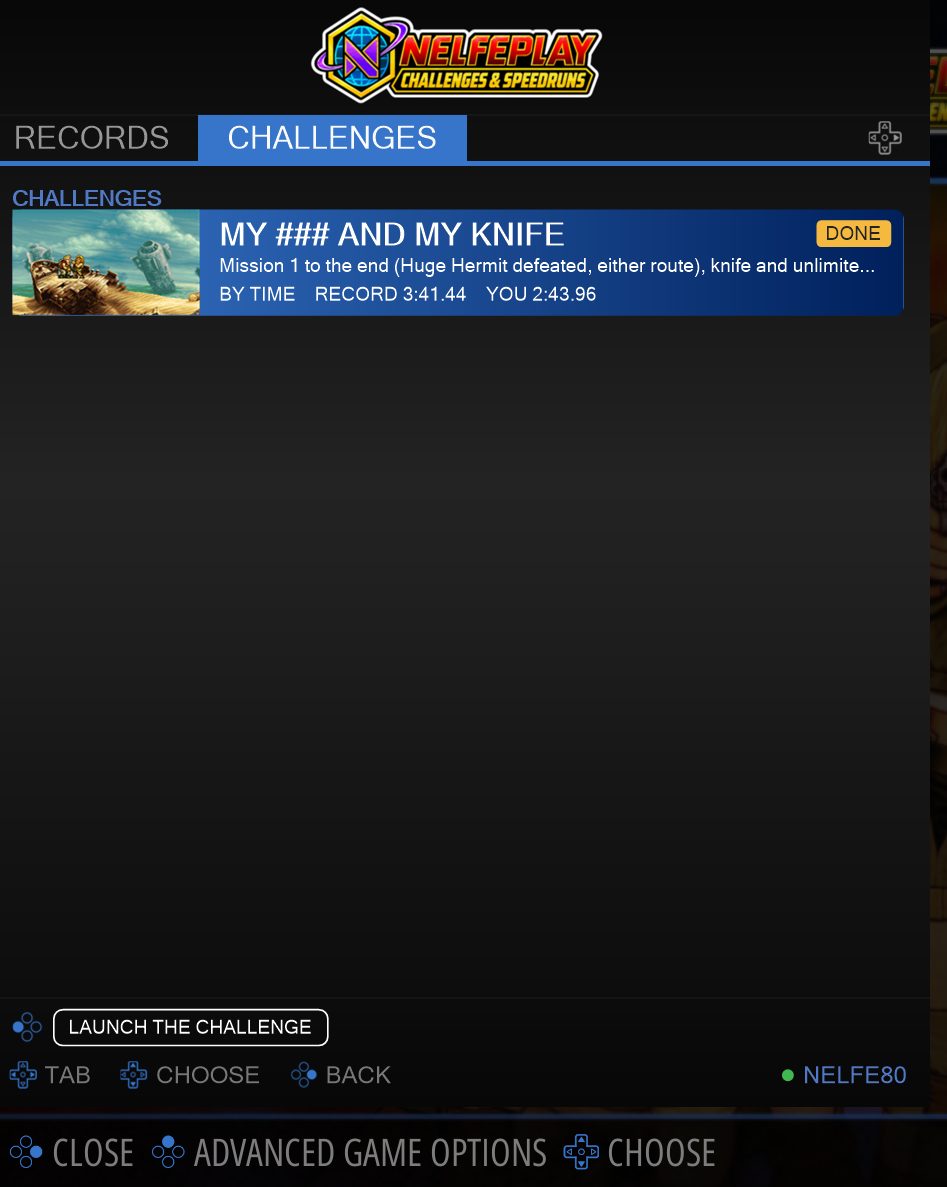
In the NELFEPLAY CHALLENGES & SPEEDRUNS collection, select the game and hold A, then open the CHALLENGES tab, pick the event and Launch. Started with a short press, the game stays a free game: nothing is measured.
1 Select the game in CHALLENGES & SPEEDRUNS, here Metal Slug 3.
2 Hold A, open the CHALLENGES tab, pick the event, then Launch.
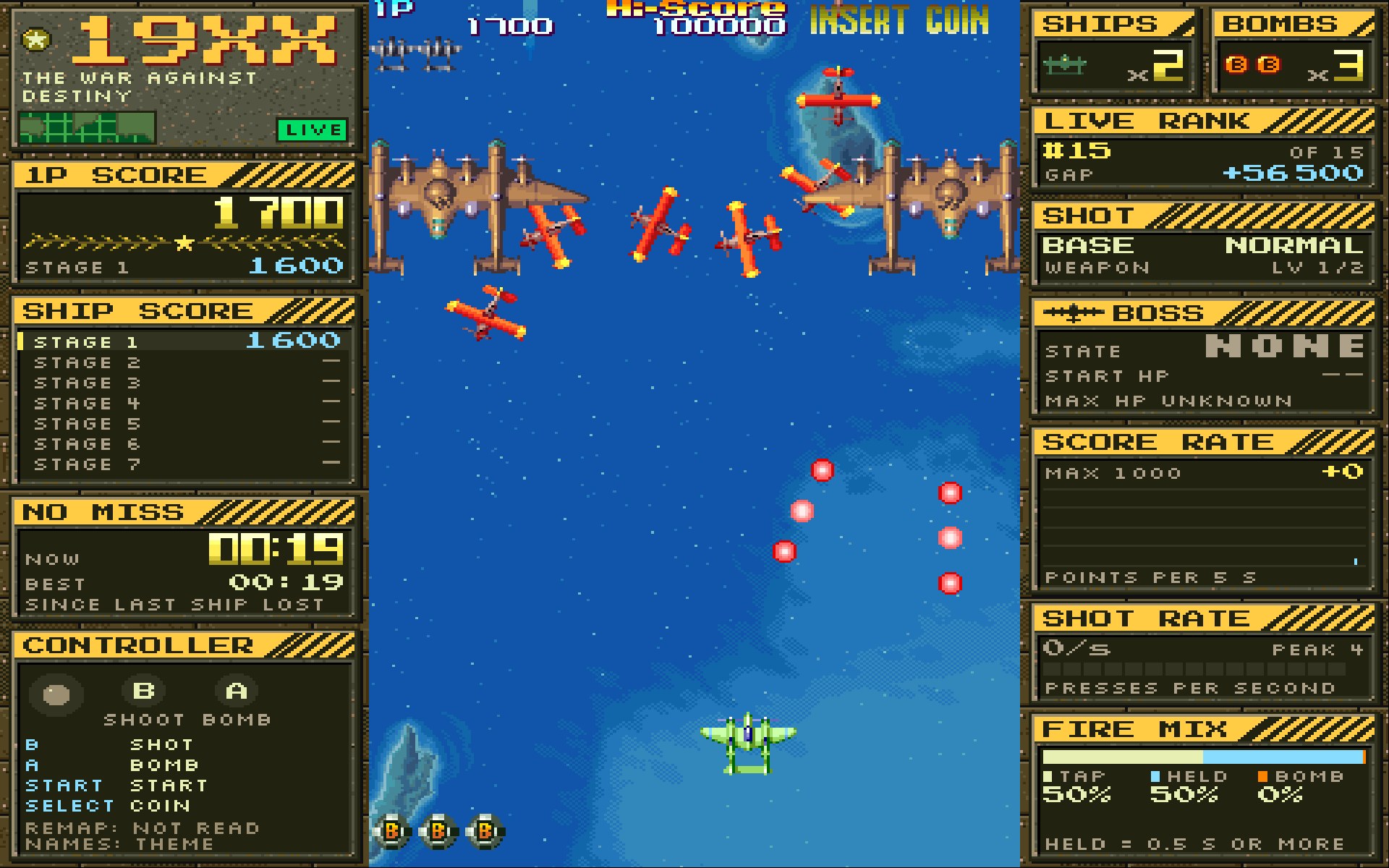
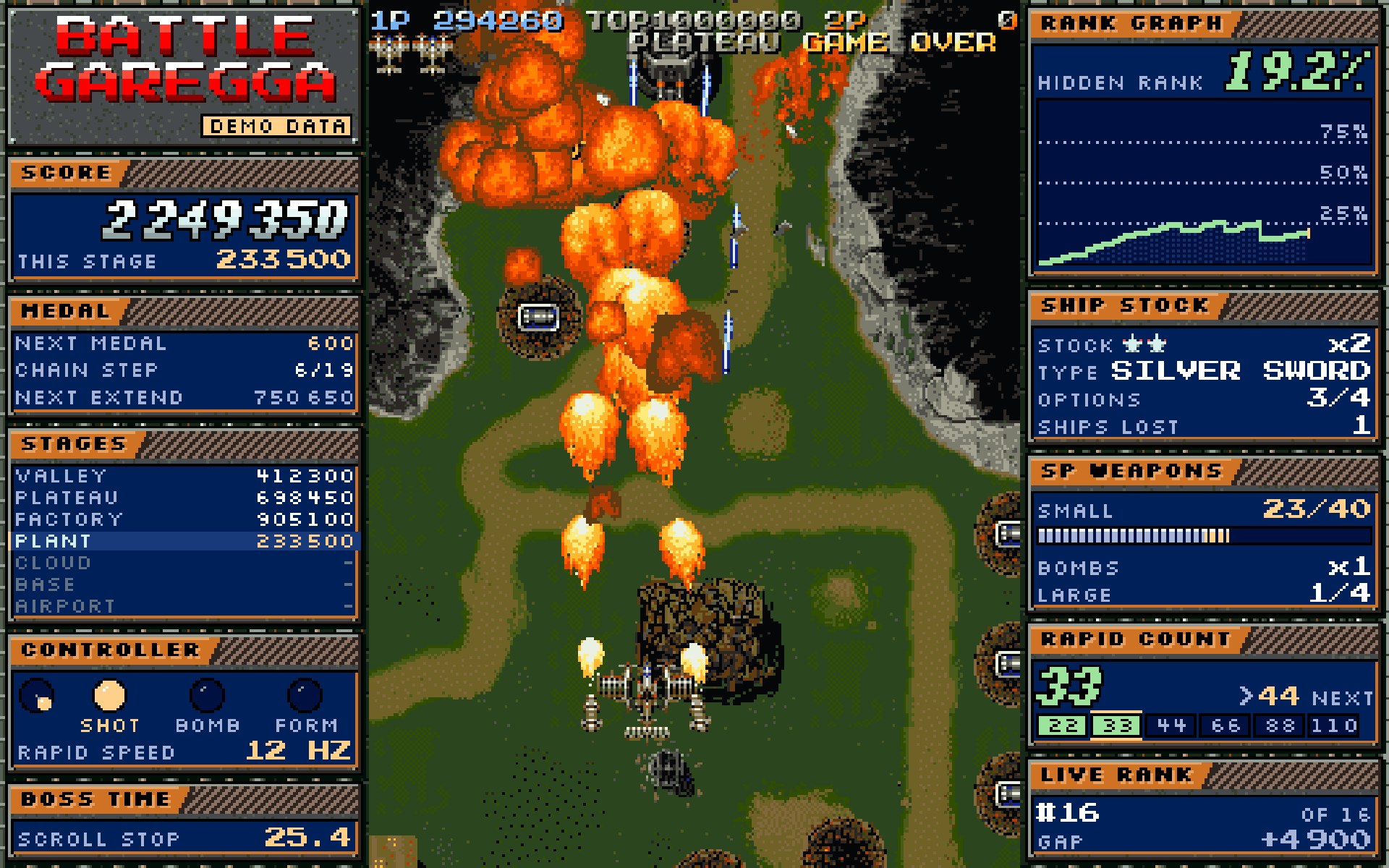
On some games, the screen around the game becomes a dashboard, like the gadgets of modern re-releases: your live rank, the gap to the player above, each stage's score, stocks, timers and the counters that matter in each game.
19XX with its Player Deck, mid-game
Battle Garegga with its Player Deck (demo data)
The original game, untouched
The ROM is never modified. The game runs exactly as it shipped in arcades or on console, pixel for pixel.
We listen, we display
Nelfe Play reads the game's events while you play (score, lives, stage, bombs) and turns them into stats. Nothing is injected into the game: that is the beauty of the Player Deck.
Your place, live
LIVE RANK places your game in the world leaderboard at every moment, and the end screen sums up your run.